
How do I write or edit my wishlist?
Once you've received your invitation email, the first thing to do is draw the person you'll be spoiling!
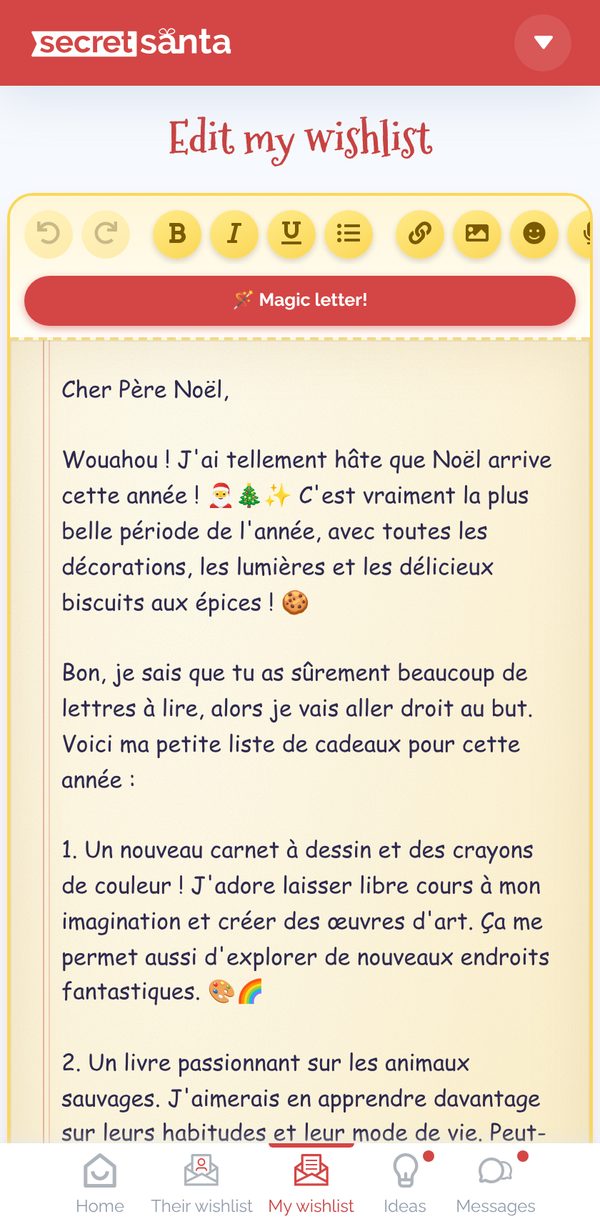
- Write freely about what would make you happy: everything is saved automatically.
- Format your text (bold, lists, links, emojis) and add photos (Image button, copy-paste or drag-and-drop). Photos are resized automatically; the total size of the wishlist is limited, and a gauge tells you when you're getting close to the maximum.
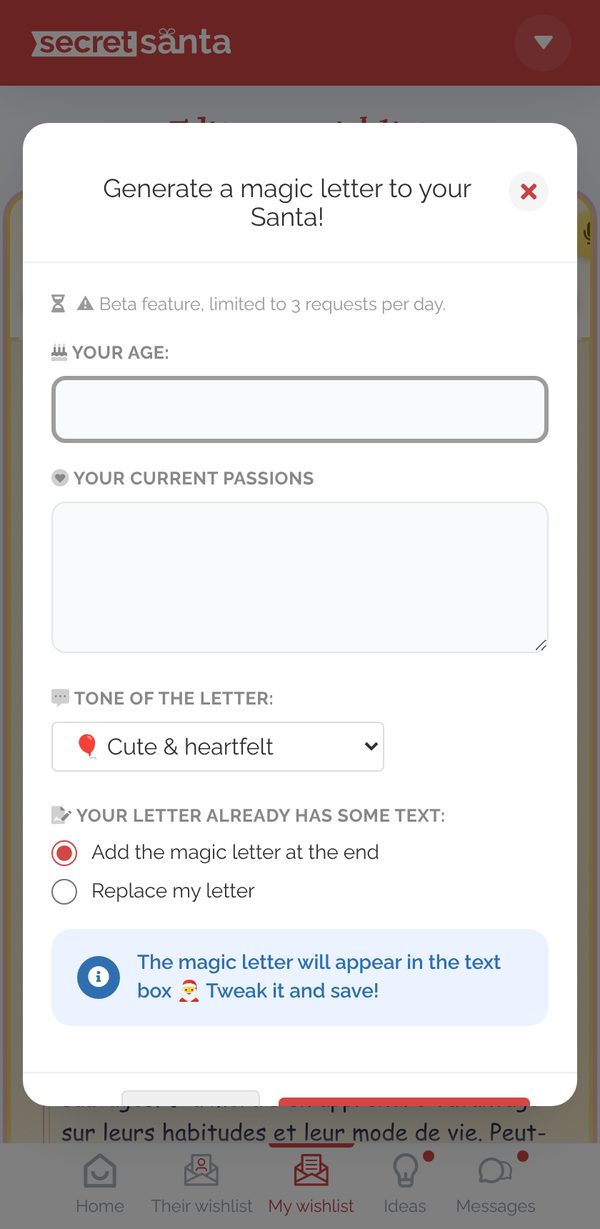
- Out of inspiration? The 🪄 Magic letter! button generates a magic letter based on your age, your passions and the tone you choose (cute, poetic, mischievous or funny). It's added at the end of your wishlist or replaces it, your choice, and you can then fine-tune it. (3 magic letters per day)
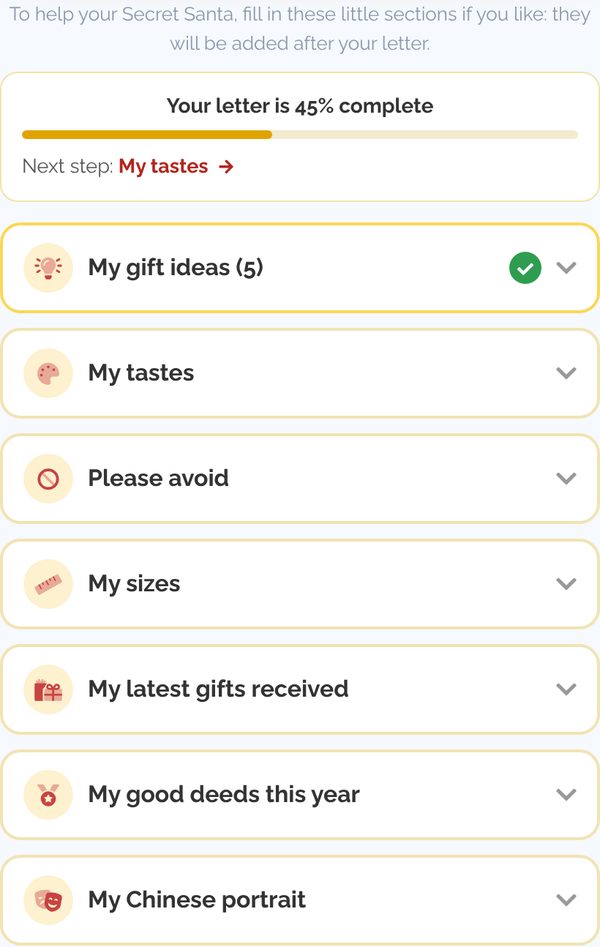
- My gift ideas: choose from the My Secret Santa gift ideas selection or add your own ideas with a link (URL)
- My tastes: colors, styles, passions
- Please avoid: check the classic gifts you'd rather not receive (perfume, candles, mugs, etc.)
- My sizes
- My latest gifts received (to avoid duplicates)
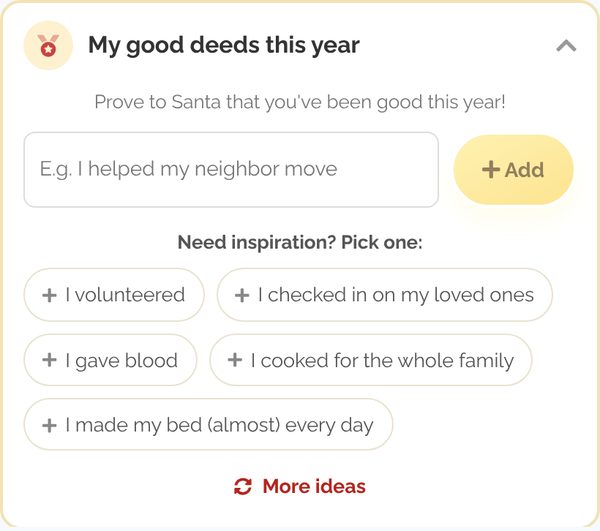
- My good deeds this year: pick from the suggestions (More ideas button to see others) or write your own
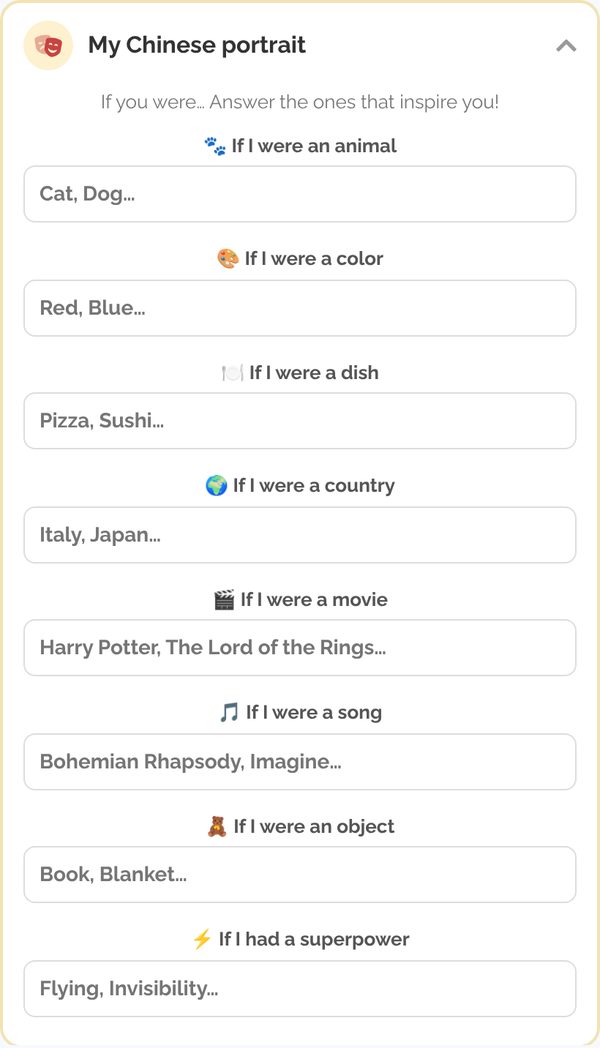
- My Chinese portrait: "If I were an animal, a color, a dish…" - choose a suggested answer or write your own
If your gift needs to be mailed to you, check Long-distance exchange? Add my mailing address, enter your address and click Save address.
- Only your Secret Santa can see it (with a button to copy it), never the other participants, even if you share your wishlist.
- You can remove it at any time with Remove my address. It's deleted automatically 30 days after the big day.
- In Double mystery mode, your Secret Santa only sees it once the organizer has revealed the results.
A gauge shows how far along your wishlist is ("Your letter is X% complete") and suggests the next section to fill in. At 100%, your Secret Santa has everything they need to spoil you!
Click Share my wishlist to see the preview, then send a quick message to your Secret Santa through the messaging (they're notified by email or notification).
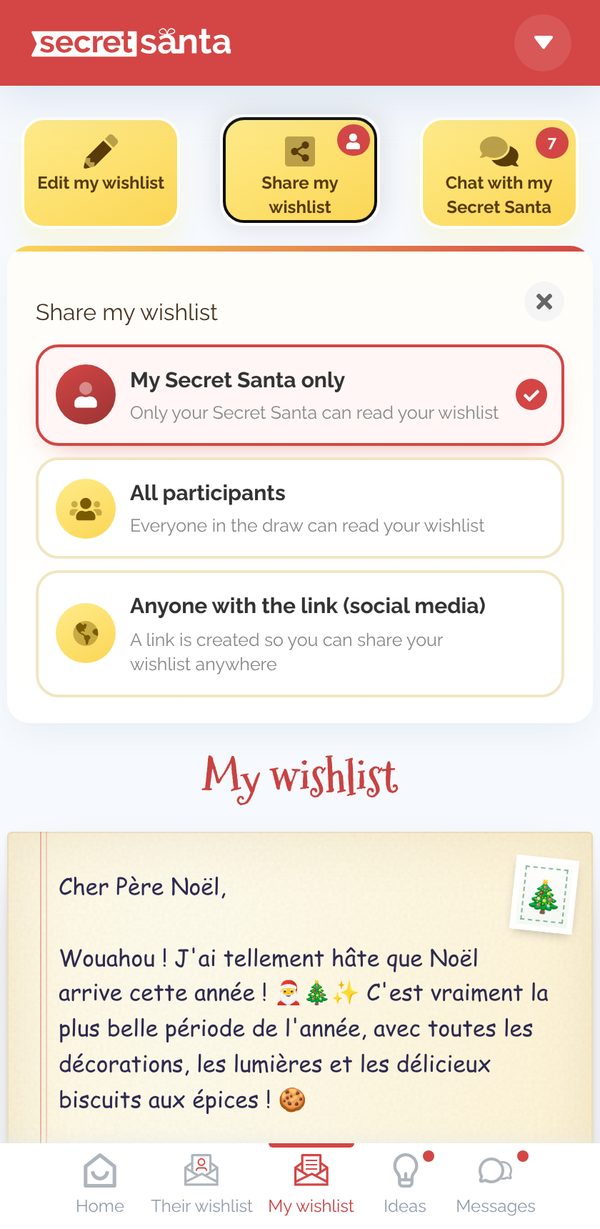
3 sharing levels are available:
- My Secret Santa only (or your Secret Santas if there are several draws per participant)
- All participants in the event
- On social media via URL: a secret link to share with anyone you like
Happy writing!
Updated on: 03/11/2026
Thank you!