
How do I create my My Secret Santa account?
You need a My Secret Santa account to organize an event (create, manage and follow your Secret Santa draws). To take part in a draw, you don't need an account: your personal invitation link is all it takes.
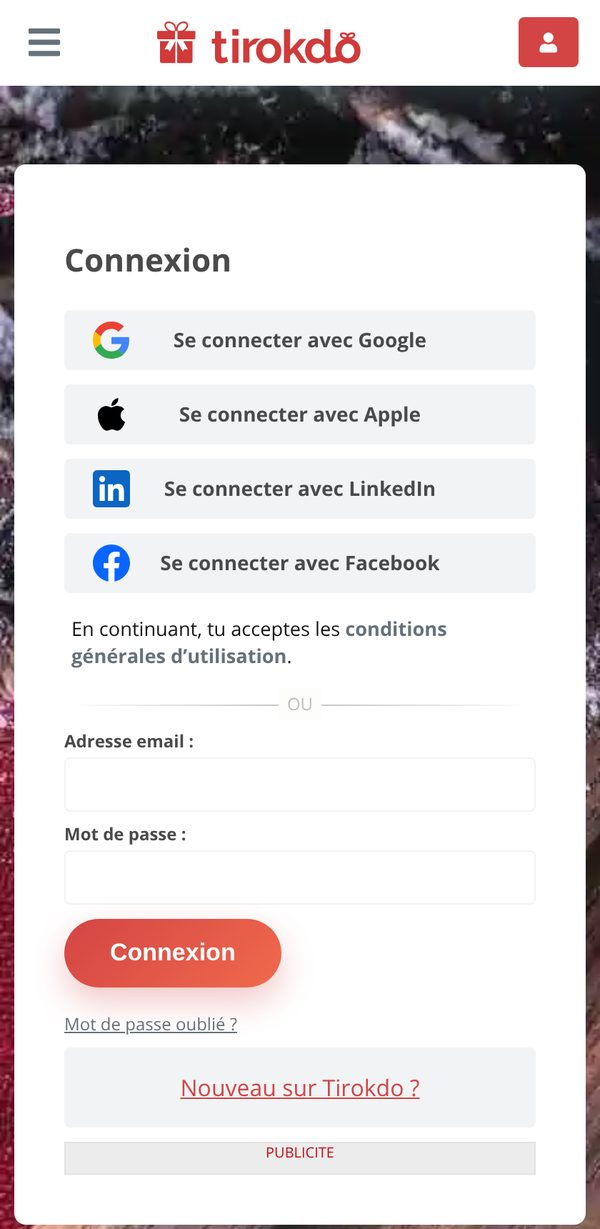
Go to the Sign in page and choose:
- one-click sign-in: sign in with Google, Apple, LinkedIn or Facebook. Your account is created automatically, with no password to remember.
- or an account with an email and a password: click Sign up (under "New to My Secret Santa?"), enter your email address and a password, then confirm your address with the confirmation email (How do I confirm my account?).
Updated on: 16/10/2026
Thank you!