
I forgot my password. How do I choose a new one?
Don't panic, you can choose a new password in just a few clicks:
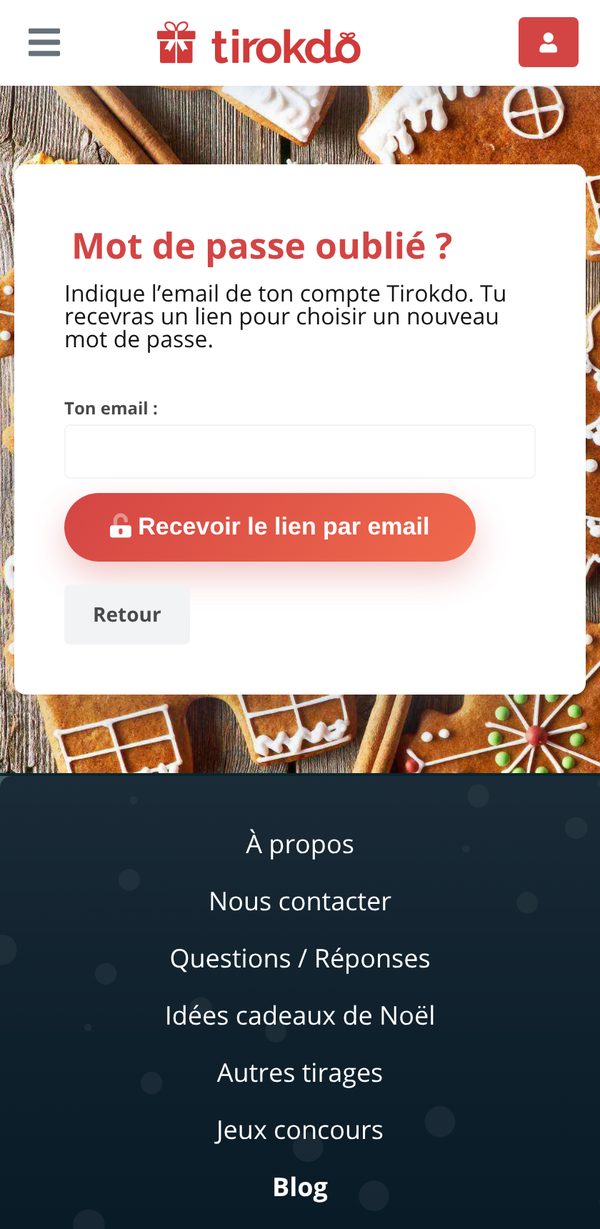
- Go to the Sign in page and click Forgot your password? (or go straight to this page).
- Enter the email address of your My Secret Santa account and click Send me the link.
- Open the "Choose your new password" email and click the link.
- Enter your new password (at least 8 characters, with at least one lowercase and one UPPERCASE letter), confirm it and click Save and log in. You're signed in right away!
You don't need a password. But if you'd also like to be able to sign in with your email, you can set one with Forgot your password?, or from My account > Change my password.
Go to My account (icon at the top right) > Change my password.
Updated on: 16/10/2026
Thank you!