
How do I change the email address on my My Secret Santa account?
Your My Secret Santa account is linked to an email address (the one from your Google, Apple, LinkedIn or Facebook account if you sign in that way).
To change this email address while keeping the history of your events:
- Go to My account (icon at the top right).
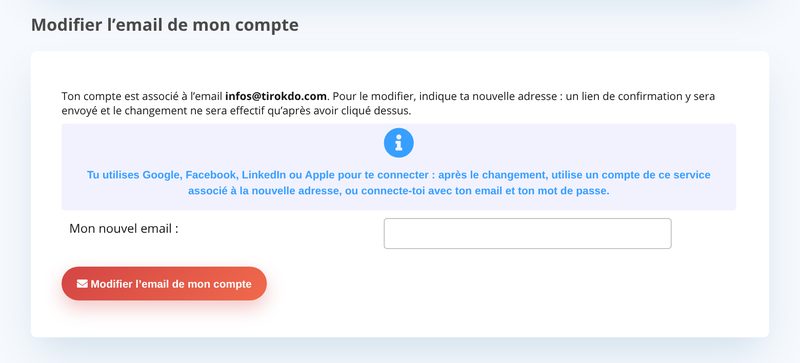
- Under Change my account email, enter your new email address (a valid one that you can access!).
- Open the email sent to your new address, click Confirm my new email, then Confirm the change (the link is valid for 24 hours).
Your old address receives an email letting you know about the change.
Updated on: 16/10/2026
Thank you!