
How do I read the other participants' wishlists?
Once the draws are open, each participant can (it's optional) write their wishlist to guide the person who will be spoiling them.
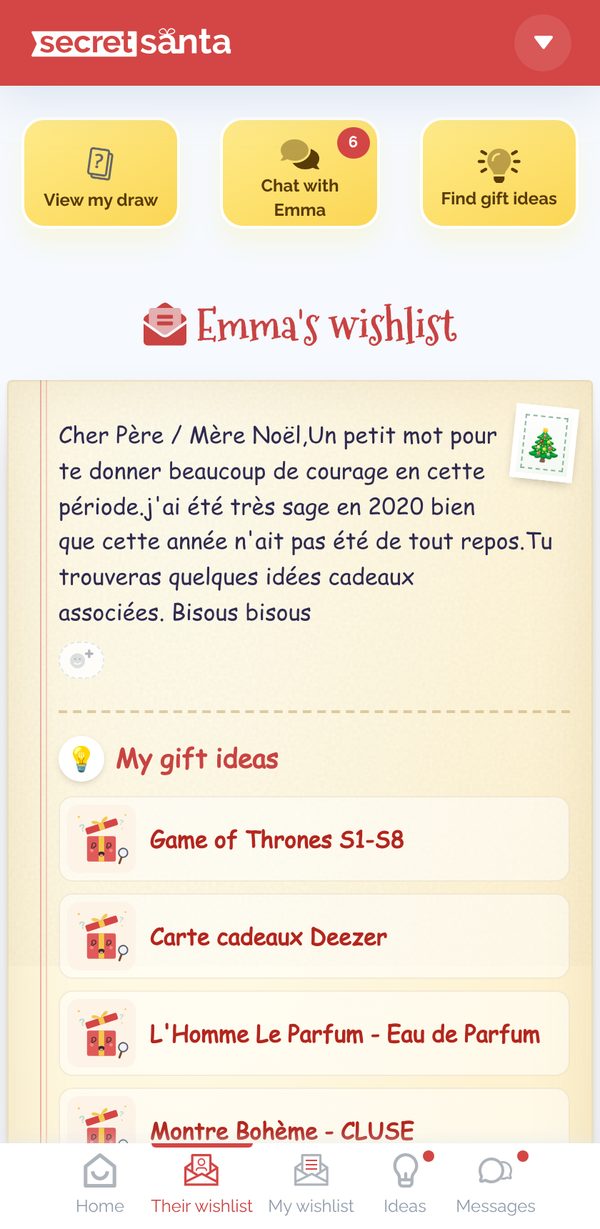
- Each Secret Santa can read the wishlist of their recipient(s) by clicking Their wishlist in the navigation bar:
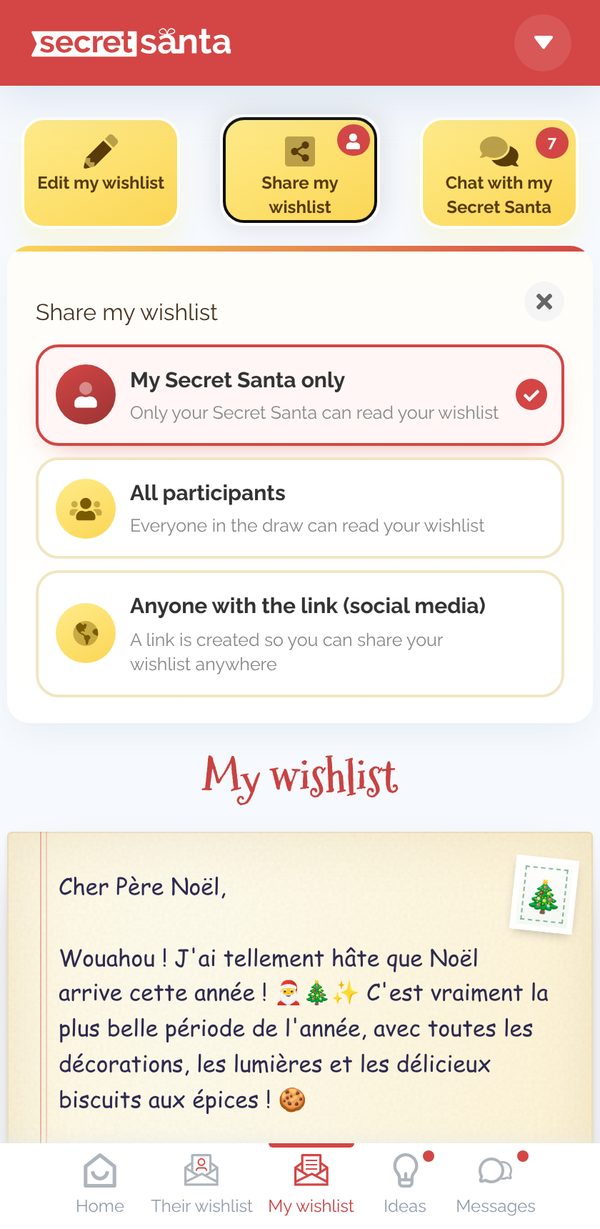
- Other participants can read the wishlists their authors have chosen to share with all participants:


To learn more: How do I write or edit my wishlist?
Updated on: 16/10/2026
Thank you!