
How does the gift exchange work on the big day?
On the big day, each participant can start the gift exchange from their participant area: an animation to open the gifts one by one and find out who each Secret Santa was!
On the big day, the home page of the participant area shows "It's the big day!" with a Start button. (Before the big day, the gift exchange isn't available.)
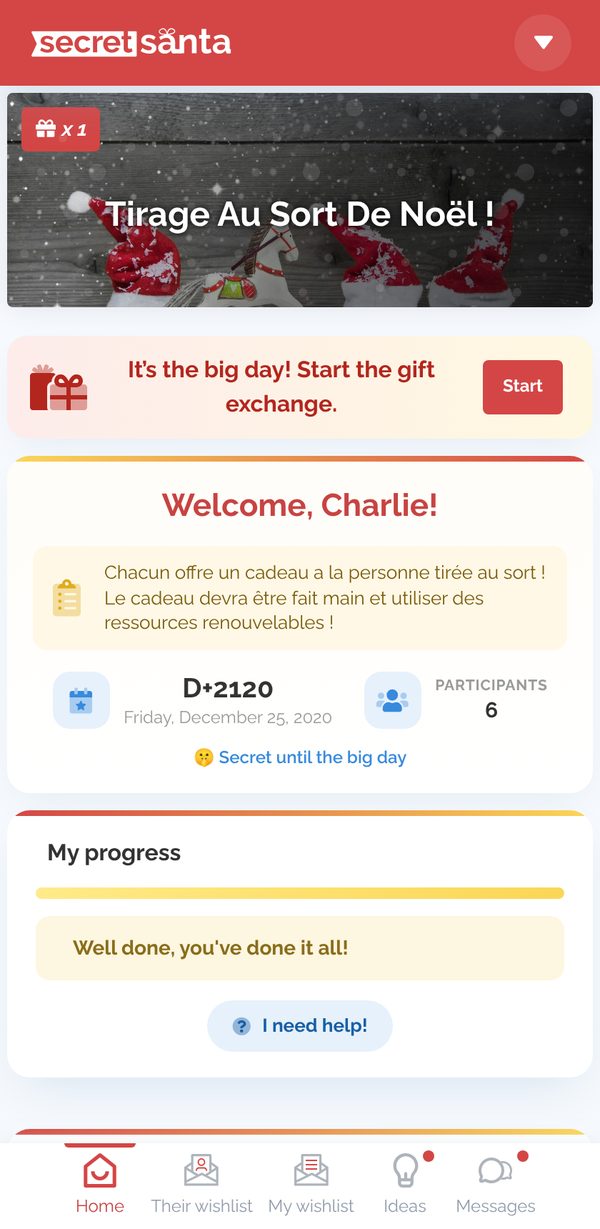
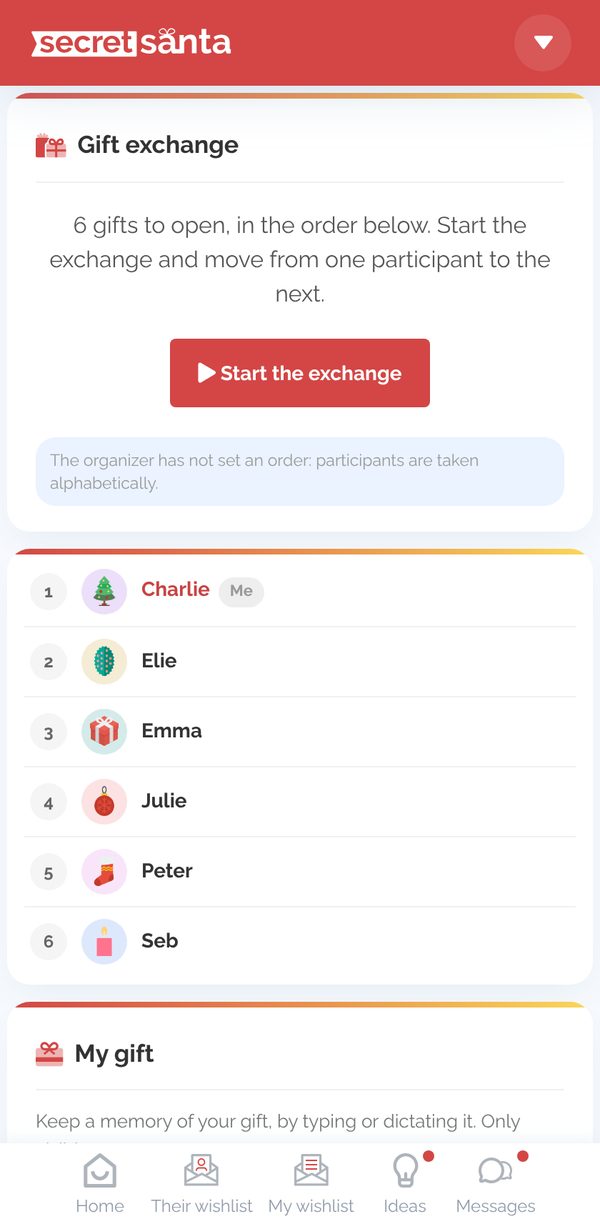
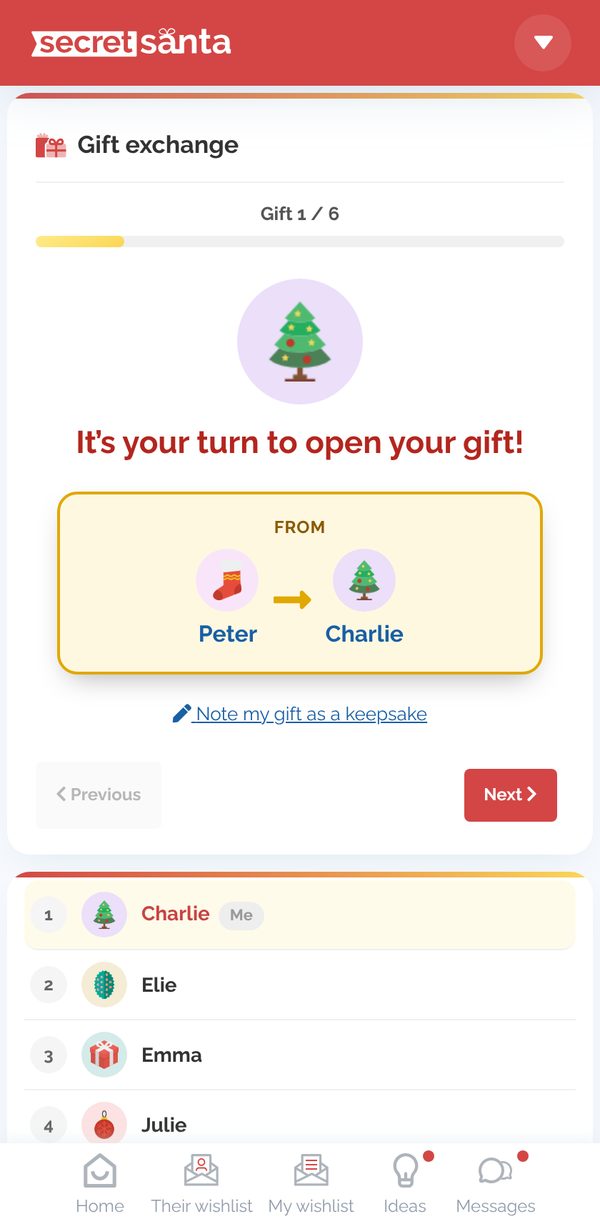
- Click Start the exchange: the gifts come up one by one ("Gift 1 / 6"…): "It's Charlie's turn to open their gift".
- Click Reveal the Secret Santa: the card flips over and shows who gave the gift (with the draw number if there are several draws per participant).
- Move on to the next gift with Next, until "All the gifts have been opened! 🎉".
- You can note the gift you received as a keepsake (by typing or by voice): only you can see this note.
To reveal all the results at once, see How do I reveal the draw results?
Updated on: 03/11/2026
Thank you!