
How do I send messages to my Secret Santa, my recipient or the other participants?
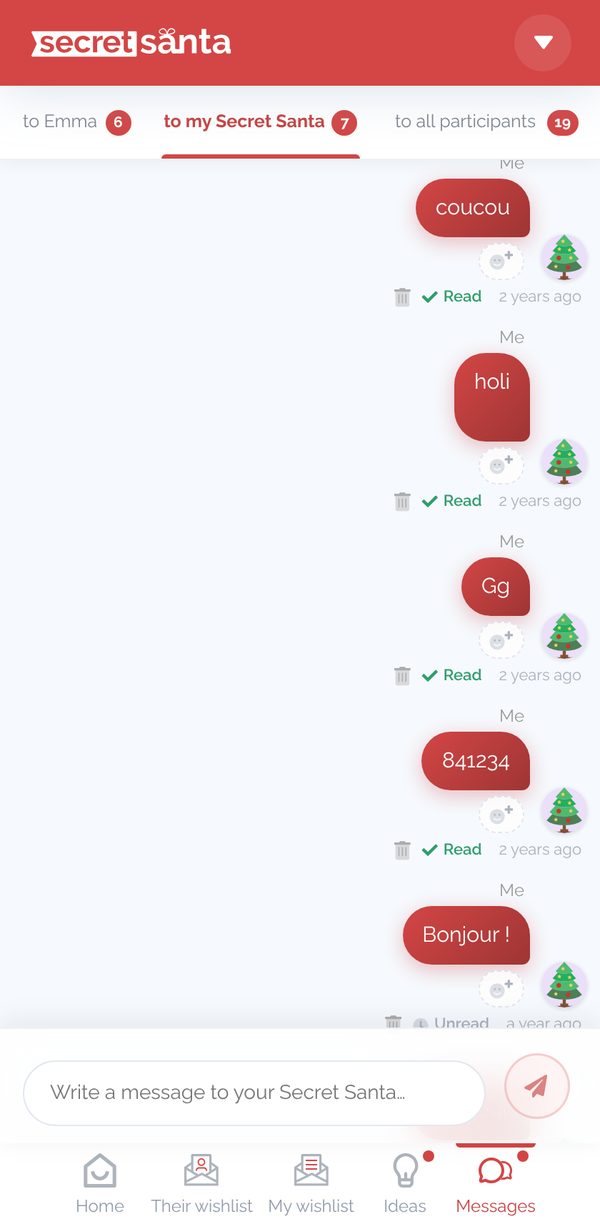
Once you've opened your draw in your participant area, you can chat through the messaging (Messages tab):
- to my recipient: as their Secret Santa, anonymously
- to my Secret Santa: as the person who was drawn (or to your Secret Santas if there are several draws per participant)
- to all participants: with all the other participants, leaving someone out of the conversation if needed
The people you write to are notified by email and, if they've turned them on, by notification on their phone. In private conversations, you can see whether your message has been read or is still unread.
In the conversation with your recipient, you can discreetly write to that person's other Secret Santas by clicking the red button to the left of the text box. Example:


Alongside the messaging, you can also:
- write your wishlist
- pick gift ideas and add them to your lists
Updated on: 16/10/2026
Thank you!