
How do I cancel or delete an event?
To cancel your event (duplicate, no longer happening or any other reason), go to My events, click Manage this event, then Cancel the event (at the bottom right of the actions).
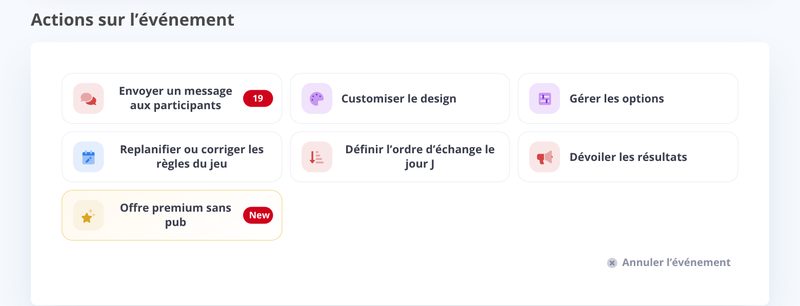
The event is then deleted and can no longer be accessed, either by you or by the participants. If needed, duplicate it first (a canceled event can no longer be duplicated).
Updated on: 16/10/2026
Thank you!