
What are the differences between the 3 draw modes?
When you create your event, you can choose between 3 draw modes.
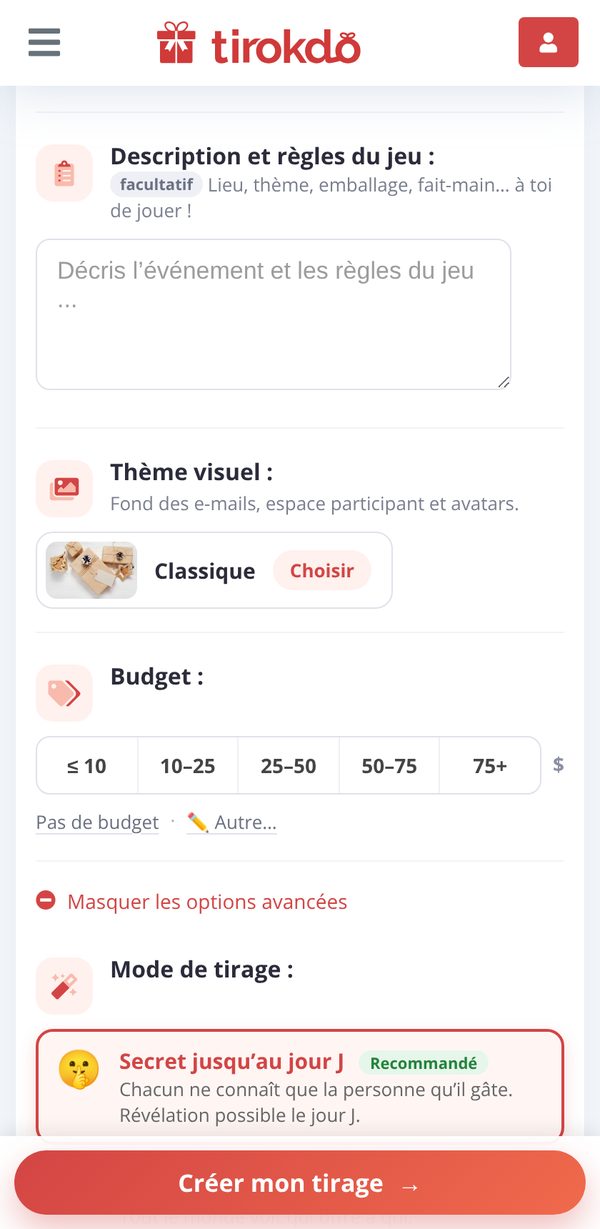
The chosen mode determines how the draw results are revealed to participants.
Each participant makes their draw and only knows the person they're spoiling, in their participant area.
From the big day onward, you can reveal all the results, in 2 stages:
- to you alone, the organizer (visible in My events)
- to all participants (visible in the participant area) - with an email notification if you like
Participants see who's giving to whom as soon as the draws are opened in the participant area. No secrets, no insider trading possible!
To spice up the game: even the Secret Santa doesn't know who they're spoiling! It's up to them to investigate using the wishlist and the anonymous messaging to get to know their target better.
The name of the person they drew is revealed:
- as soon as you reveal the results to all participants (level 2),
- and automatically on the big day at the latest (so everyone can bring their gift!).
As in Secret until the big day, you can then reveal all the results, first to you alone and then to all participants.

Updated on: 15/10/2026
Thank you!