
How do I edit or reschedule my event (date, description, etc.)?
Before the invitations are sent, you can change everything with Edit the event
Name, date, rules of the game, theme, budget, and the list of participants (add, edit, remove).
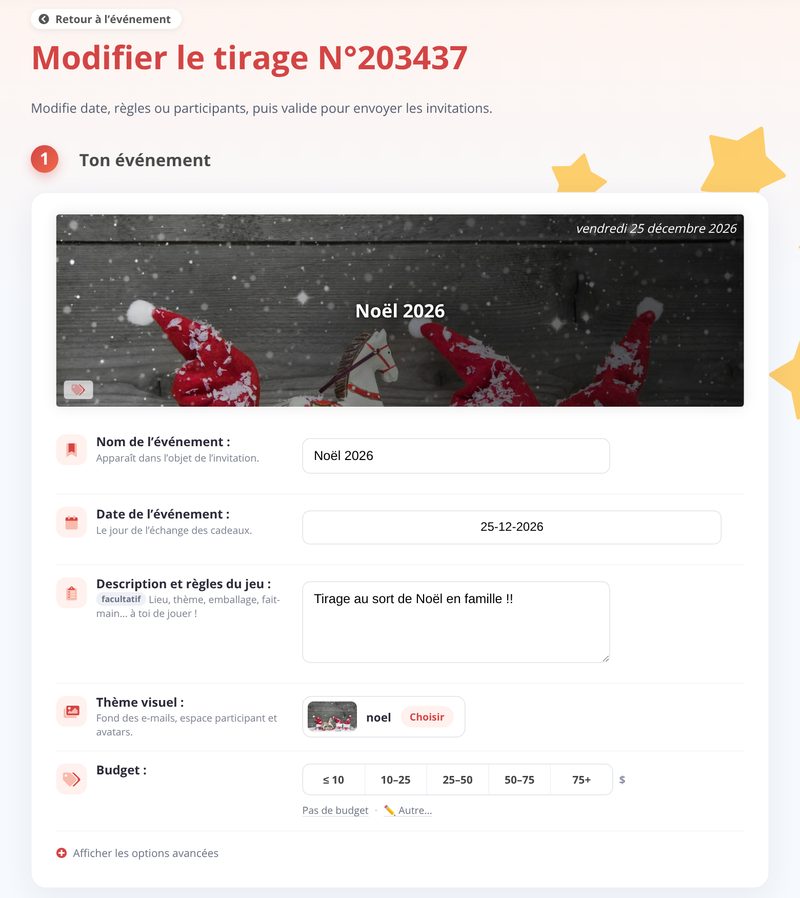
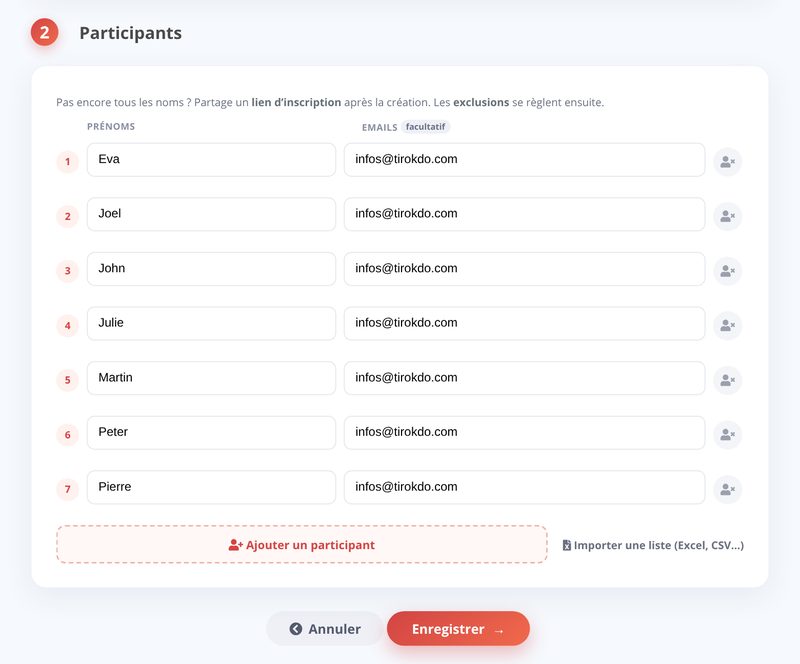
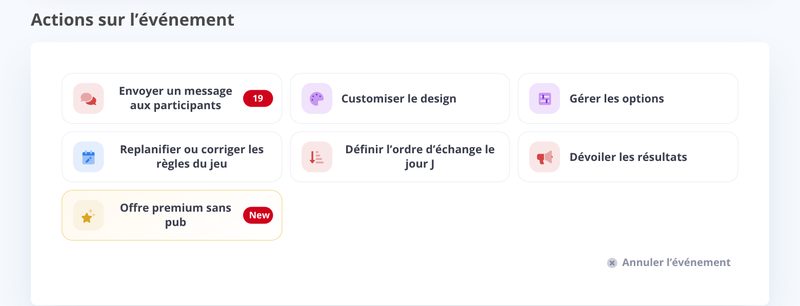
- fix the name, rules of the game and budget of the event, and reschedule the event to change its date: Reschedule or edit the rules of the game button
- fix participants' names and email addresses: pencil icon next to the email, in the list of participants
See also:
- How do I add a participant after the draw has been confirmed?
- How do I remove a participant after the draw has been confirmed?
- How do I edit or resend a participant's invitation email?
Updated on: 16/10/2026
Thank you!