
How do I send a message to all participants?
As the organizer, you can write to all the participants (new rule, new participant, practical details, etc.).
Go to My events, click Manage this event, then Send a message to participants:
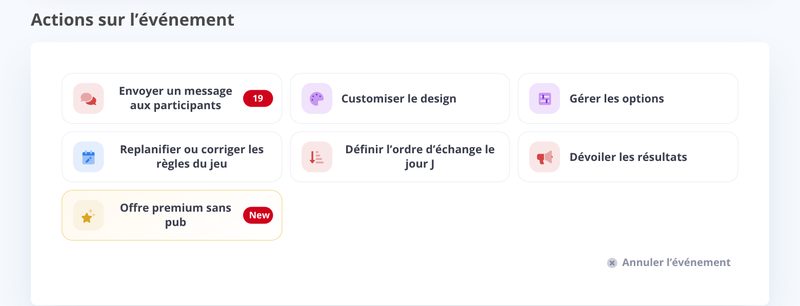
Write your message and confirm:

Your message shows up in the participant area, in the to all participants messages, as a message from the organizer.
Updated on: 16/10/2026
Thank you!