
How do I reuse or duplicate an event I created last year?
If you've already organized an event, you can copy it from My events by clicking Duplicate this event, below the event in question.
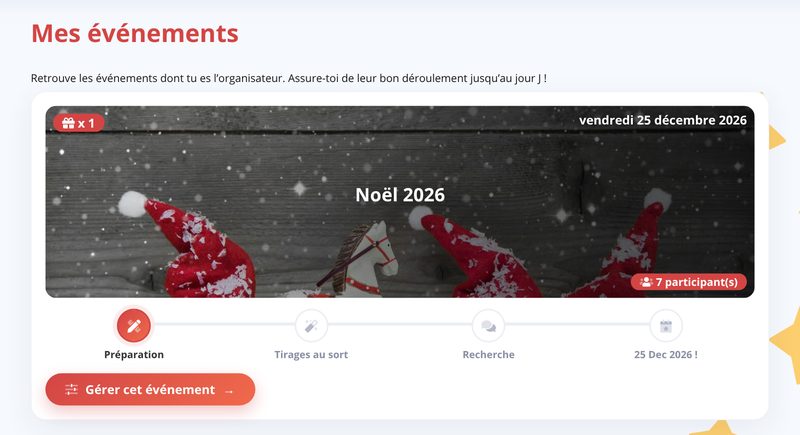
You can choose a new date, keep the previous exclusions and add exclusions based on the results of the previous draws (for this, the results must have been revealed at least to the organizer - see Reveal the results). The exclusions are then applied automatically to each existing participant.

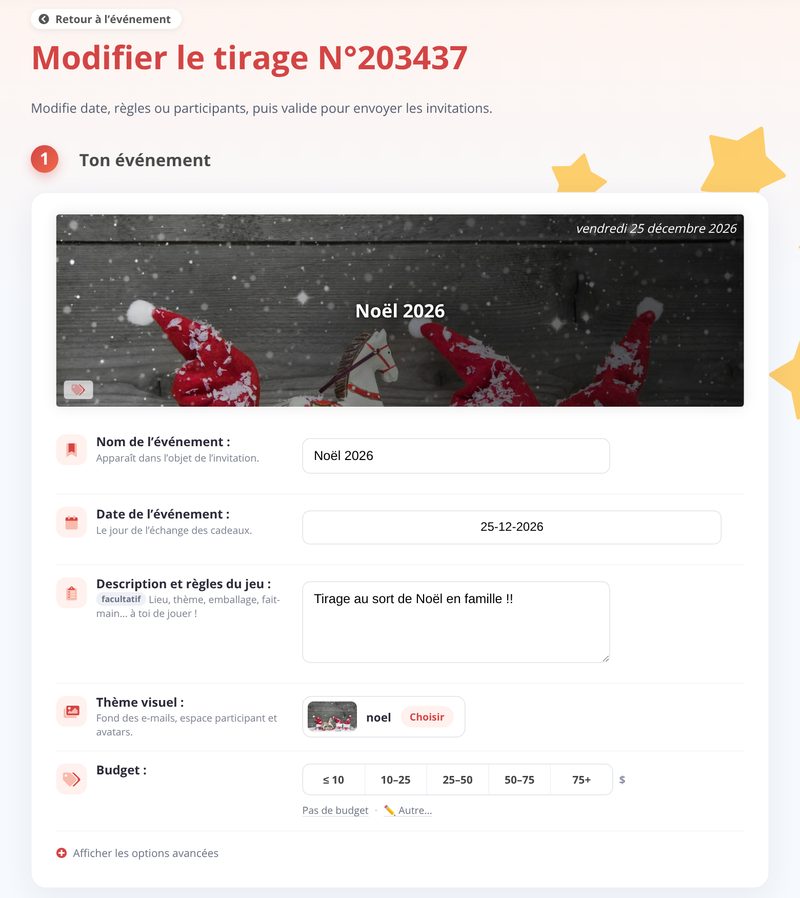
You can then change the description, the event options and the list of participants (add / edit / remove) with Edit the event:
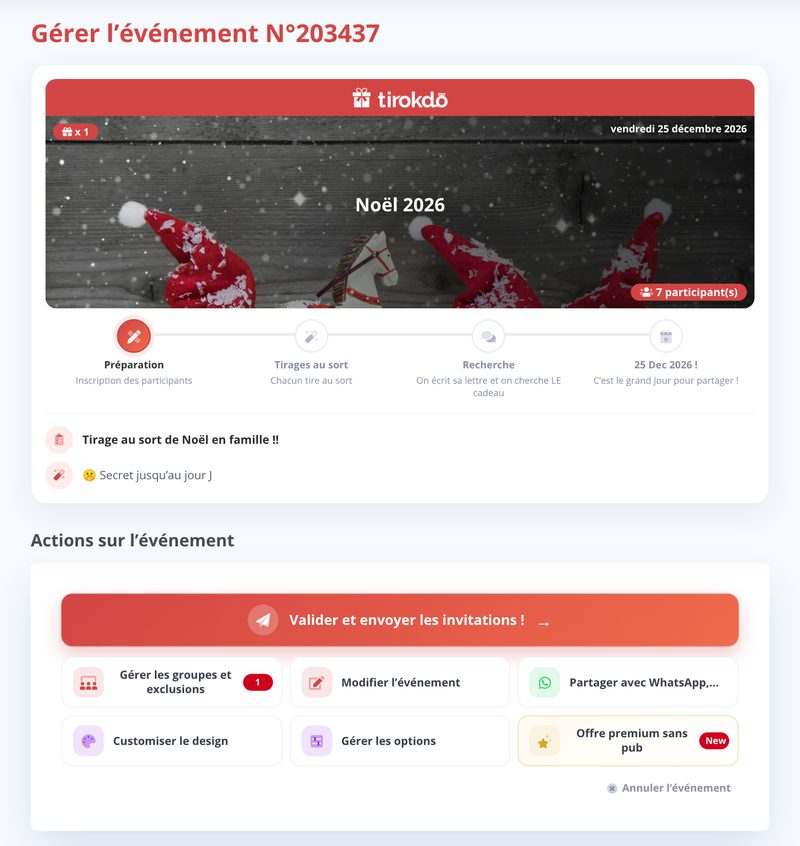
Once you're done with your changes, confirm it like any other event with Confirm and send the invitations!:
Updated on: 16/10/2026
Thank you!